Design Tools, Interior Design
Step by Step: Free Tools for Planning Your Interiors
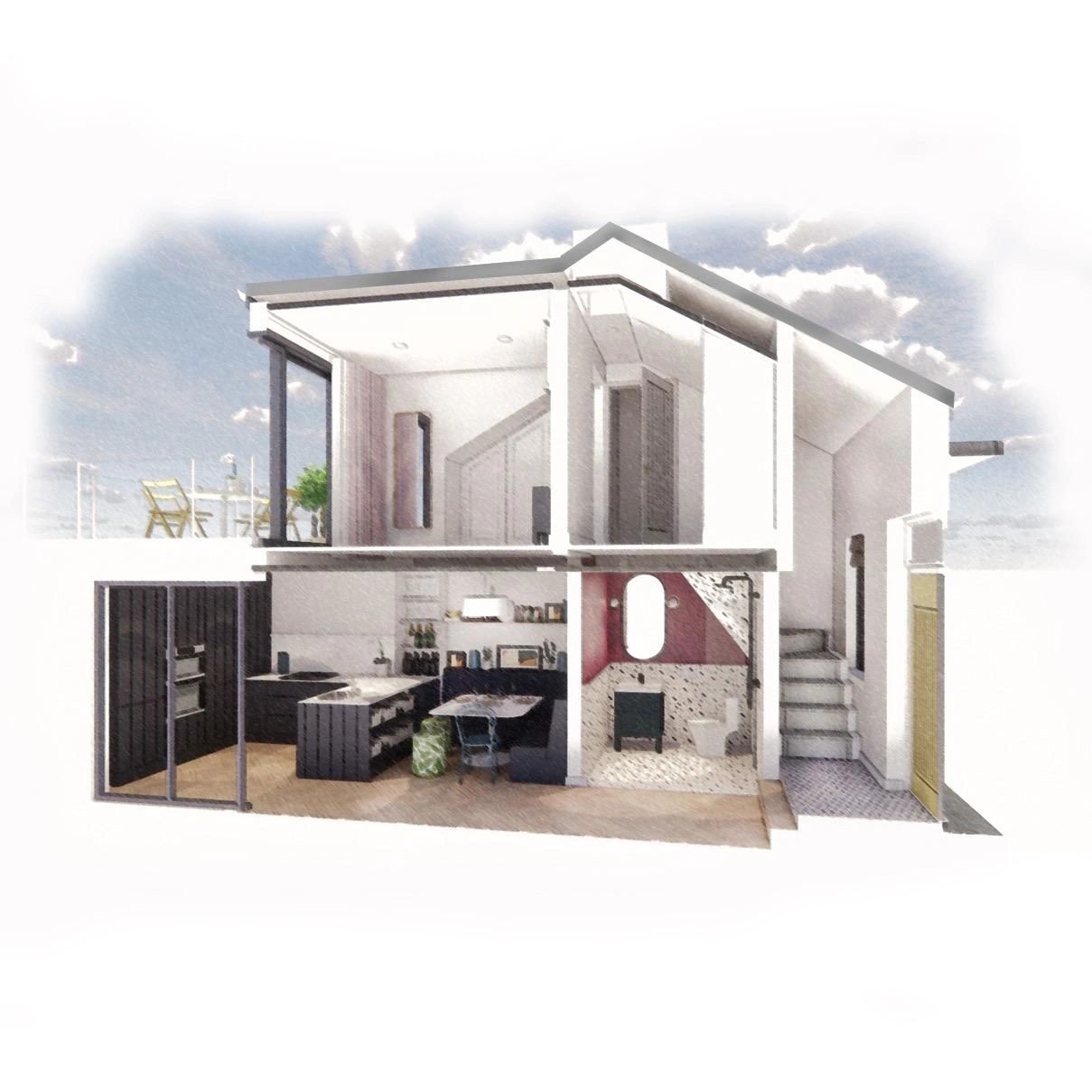
Designing your dream home or revamping your existing space can be an exciting but daunting task. While I recommend working with with an interior designer when possible, I recognise that there are times when it may not be feasible. Here is a step by step guide, with free tools you can use to assist you in creating a cohesive interior design plan.
Note: This post was written before the explosion of Generative AI. I'll do a full blog post soon on how you can use GenAI to plan your interiors.
- Get Accurate Measurements: Before diving into the design process, it's crucial to know the dimensions of your space. You can obtain these measurements from architectural drawings or take your own precise measurements (always measure three times!). Additionally, note the locations of existing electrical sockets, light switches, fixtures, windows, doors, and any fixed elements such as beams or built-in units. This information will serve as the foundation for your design.
- Find Inspiration: If you're unsure about your preferred style or color scheme, gathering inspiration is a helpful starting point. Pinterest is an excellent tool for this purpose. Create a board and categorise it by room. Browse through a wide range of interior images and save the ones that resonate with you. As you save images, Pinterest's recommendation engine will suggest similar ones, helping you refine your preferences. If you prefer a physical approach, you can cut out images from magazines or newspapers.
- Create a Mood Board: Once you have a collection of inspiring images, patterns, colours, and layouts, you can begin to identify the elements that attract you the most. Canva is a user-friendly tool for creating a digital mood board. Experiment with combining colours and design styles to see how they harmonise. Alternatively, you can create a physical mood board by sticking the cut-out images on a pinboard. To choose complementary accent colours, check out the website coolors.co, which generates palettes based on your preferred colours.
- Bring Your Mood Board to Life: Before making any big purchases, always gather samples - paints, wallpapers, fabrics, tiles, carpets, handles, etc. Most retailers provide these samples for free or for a small cost. Having physical samples will help you make informed decisions and avoid colour discrepancies. It will also help you put the right textures together. Take these samples with you whenever you go shopping, to make sure that what you're buying actually goes with what your have.
- Get the Layout Right: To ensure a proper fit within your space, draw out your floor plan and experiment with different layouts. PowerPoint or Google Slides are simple tools that allow you to draw out your scaled floor plan, allowing you to accurately see what space you have available (alternatively, you can just use good old pen and paper). You can then create shapes to represent pieces of furniture and other large items, and move them around to see where they fit best. Remember to measure everything three times before making any purchases!
- Design it in 3D: For those who are more tech-savvy, SketchUp offers a 3D modelling tool to transform your layout planning. Although it requires some learning, there are numerous online tutorials available. SketchUp provides a vast library of materials, enabling you to create realistic representations of your future home and make better decisions before committing to a purchase.